What Causes the Blue Screen of Death (BSOD) on Windows 11
Troubleshooting Guide Encountering a sudden Blue Screen of Death (BSOD)-officially known as a stop error-on Windows 11 can be jarring. Your…
Master your PC with our expert Windows tips and tricks. From performance boosts and hidden shortcuts to troubleshooting common errors, optimize your Windows exp
Troubleshooting Guide Encountering a sudden Blue Screen of Death (BSOD)-officially known as a stop error-on Windows 11 can be jarring. Your…
Step-by-Step Troubleshooting Guide Few things are as frustrating as staring at a screen frozen at "0% completed" or watching a Windows 11 c…
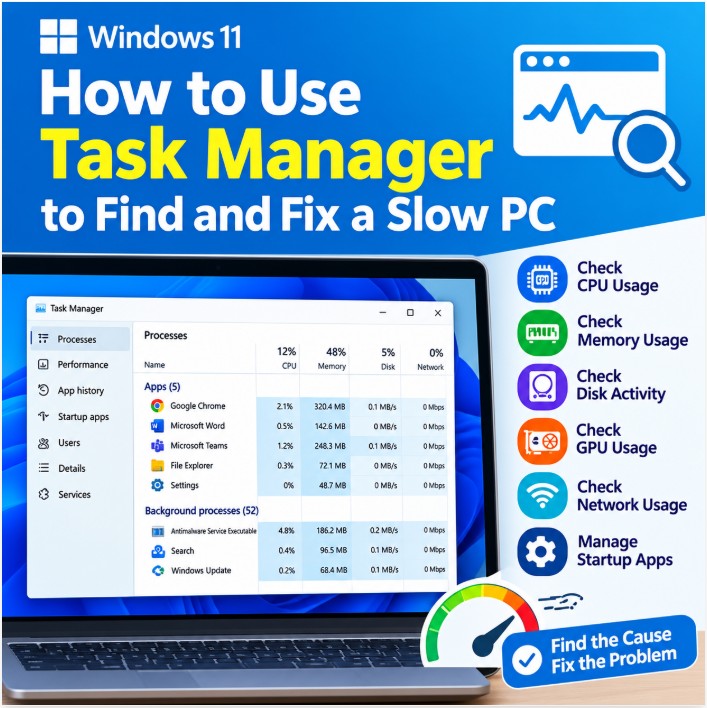
How to Use Windows 11 Task Manager to Find and Fix a Slow PC Is your Windows 11 computer running slowly, freezing occasionally, or taking t…
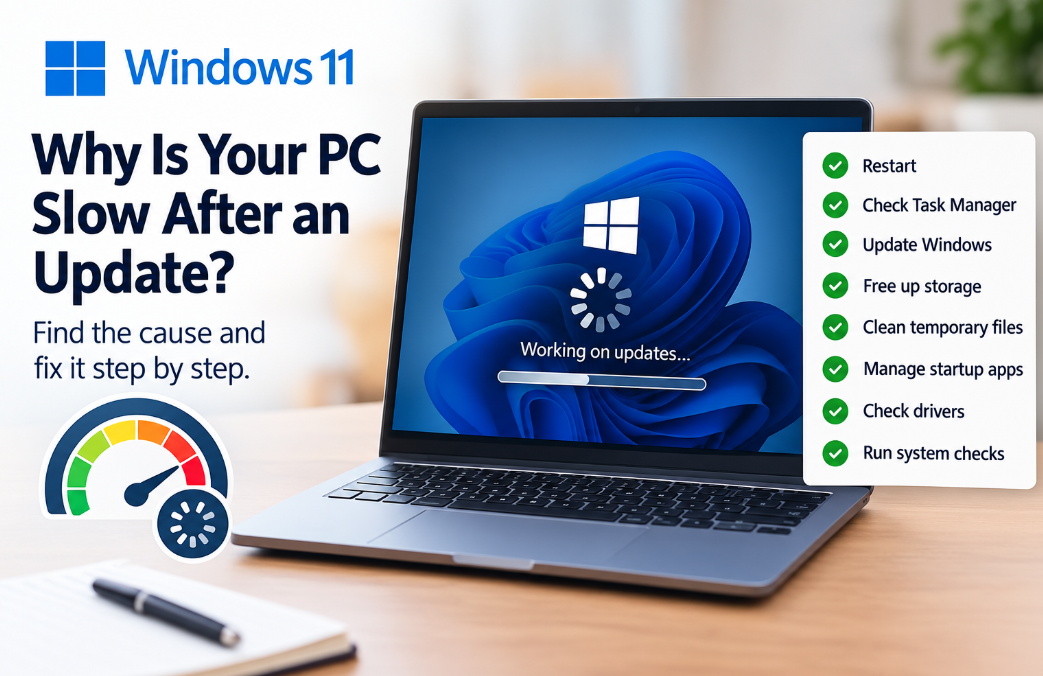
Has your Windows 11 computer suddenly become slow after installing an update? You may notice that Windows takes longer to start, applicatio…
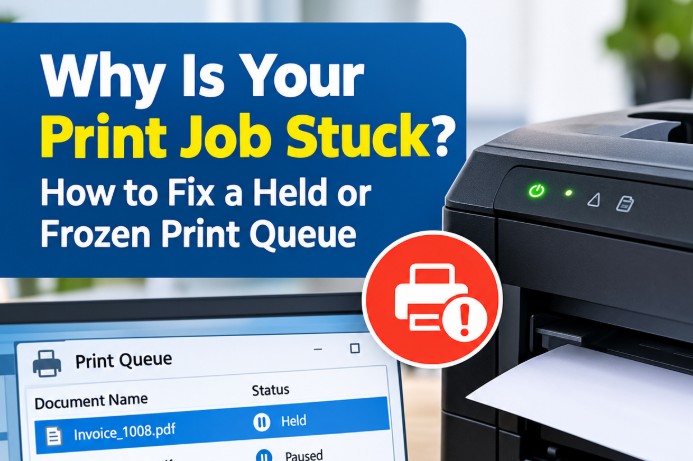
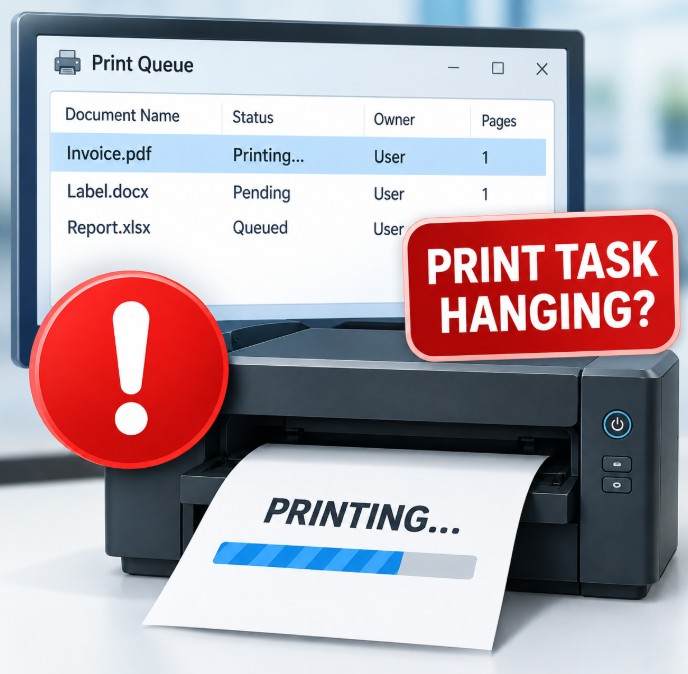
You click Print, expecting your document, invoice, barcode label, or report to come out immediately-but nothing happens. When you chec…
1. Windows Services Method: Stop and Restart Print Spooler The Print Spooler is a Windows service responsible for managing print jobs. When…
1. Essential Windows Run Commands Press Win + R, type the command, and press Enter. Run command What it opens Useful for…
Here’s a practical collection of Windows 11 keyboard shortcuts and Run commands that can help you work faster, manage windows, tr…
To restart the Print Spooler through Windows Services: Services window Press Win + R Type:services.msc Press Enter. Find Print Spoole…